What Is Cybersecurity? A Beginner’s Guide to Online Security
The internet has made it easier to communicate, work, shop, study, and access information. At the same time, the growing use of digital technology has created new security risks.
Cybercriminals can target computers, smartphones, websites, online accounts, and business systems. They may try to steal information, damage systems, obtain money, or gain unauthorized access to accounts.
This is where cybersecurity becomes important.
Cybersecurity is not only a concern for large companies or IT professionals. Anyone who uses a smartphone, computer, email account, social media platform, or online banking service can benefit from understanding basic cybersecurity.
In this guide, we will explain what cybersecurity is, why it matters, common cyber threats, how attacks happen, and practical steps you can take to protect your digital information.
What Is Cybersecurity?
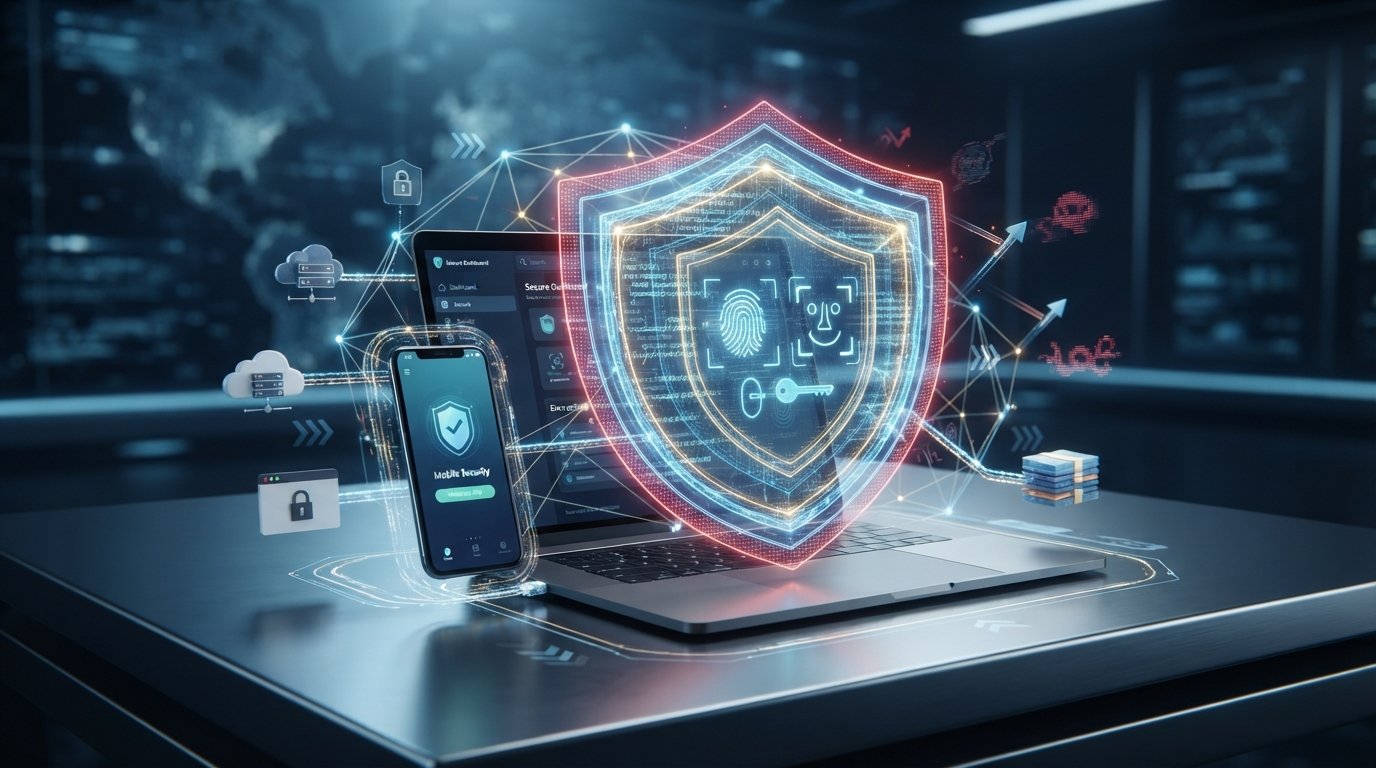
Cybersecurity is the practice of protecting computers, networks, applications, devices, and digital information from unauthorized access, attacks, damage, or disruption.
It involves technologies, processes, policies, and human practices designed to reduce digital security risks.
Cybersecurity can protect many different things, including:
- Personal information
- Passwords
- Financial information
- Business data
- Computer systems
- Mobile devices
- Networks
- Websites
- Cloud services
- Software applications
The goal is not simply to stop hackers. A strong cybersecurity strategy also helps organizations and individuals detect suspicious activity, respond to incidents, recover from problems, and reduce future risks.
Why Is Cybersecurity Important?
Almost every modern activity involves digital systems.
People use technology to:
- Communicate with friends and family
- Store personal photographs
- Manage finances
- Work remotely
- Shop online
- Study
- Store documents
- Run businesses
- Access government services
If these systems are poorly protected, sensitive information can be exposed or services can be disrupted.
For businesses, a security incident can result in financial losses, operational problems, damaged reputation, or loss of customer trust.
For individuals, compromised accounts can lead to identity theft, fraud, privacy problems, or loss of personal data.
The Three Main Goals of Cybersecurity
Cybersecurity is often explained using three fundamental principles known as the CIA Triad:
| Principle | Meaning |
| Confidentiality | Information should only be accessible to authorized people |
| Integrity | Information should remain accurate and protected from unauthorized changes |
| Availability | Systems and information should be accessible when authorized users need them |
Confidentiality
Confidentiality means protecting information from unauthorized access.
For example, your online banking information should not be accessible to someone who does not have permission to view it.
Passwords, encryption, and access controls can help maintain confidentiality.
Integrity
Integrity means keeping information accurate and preventing unauthorized modification.
For example, if a company’s financial records are changed without permission, the integrity of those records has been compromised.
Availability
Availability means ensuring that authorized users can access systems and information when needed.
A website that becomes unavailable because of a cyberattack has an availability problem.
Organizations use backups, redundancy, monitoring, and recovery plans to improve availability.
Common Types of Cyber Threats
Cyber threats come in many forms. Some rely on technical vulnerabilities, while others target human behavior.
Phishing
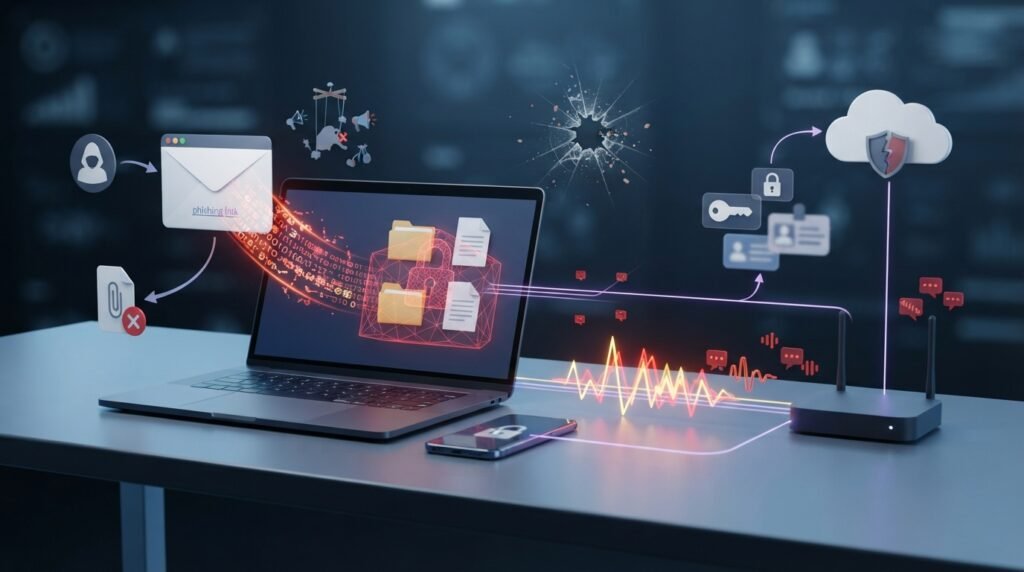
Phishing is a social-engineering technique in which attackers attempt to trick people into revealing sensitive information or taking an unsafe action.
A phishing message may appear to come from a legitimate company, colleague, bank, or online service.
It might ask you to:
- Click a link
- Enter your password
- Download a file
- Confirm personal information
- Make a payment
The message may create a sense of urgency to encourage the recipient to act without checking carefully.
Malware
Malware is a general term for malicious software designed to perform unwanted or harmful actions.
Different types of malware include:
- Viruses
- Worms
- Trojans
- Spyware
- Ransomware
- Other malicious programs
The behavior and purpose of malware can vary significantly.
Ransomware
Ransomware is malware that can prevent access to files or systems, often by encrypting data. Attackers may then demand payment in exchange for a claimed method of restoring access.
Organizations can reduce the impact of ransomware through measures such as secure backups, access controls, software updates, network protections, and employee awareness.
Password Attacks
Weak or reused passwords can make online accounts easier to compromise.
Attackers may use various techniques to obtain or guess passwords, including automated attempts against accounts or using passwords exposed in previous data breaches.
Using unique passwords for important accounts can significantly reduce the damage caused by a compromised password.
Social Engineering
Social engineering involves manipulating people into revealing information or performing actions that benefit an attacker.
Instead of attacking a technical system directly, an attacker may try to exploit trust, fear, curiosity, urgency, or authority.
Phishing is one common example of social engineering.
Denial-of-Service Attacks
A Denial-of-Service (DoS) attack attempts to make a service or system unavailable by overwhelming it with requests or otherwise exhausting its resources.
A Distributed Denial-of-Service (DDoS) attack uses multiple systems or sources to generate traffic or requests.
Organizations can use specialized network and infrastructure protections to reduce the impact of such attacks.
Data Breaches
A data breach occurs when sensitive or protected information is accessed, disclosed, or obtained without authorization.
Breached information may include:
- Names
- Email addresses
- Password-related information
- Financial details
- Customer records
- Business information
The type of exposed data depends on the incident.
How Do Cyberattacks Happen?
There is no single method used in every cyberattack.
An attacker may exploit:
- Weak or reused passwords
- Unpatched software
- Misconfigured systems
- Stolen credentials
- Phishing messages
- Unsafe downloads
- Vulnerable applications
- Excessive user permissions
- Poor security practices
Many successful attacks involve a combination of technical weaknesses and human mistakes.
This is why cybersecurity requires more than installing antivirus software.
Common Cybersecurity Tools
Different security tools protect different parts of a digital environment.
| Tool | Main Purpose |
| Antivirus / Endpoint Protection | Detects and helps prevent malicious software |
| Firewall | Controls network traffic |
| Password Manager | Helps create and store unique passwords |
| Multi-Factor Authentication | Adds another verification step |
| Encryption | Protects information from unauthorized access |
| Backup System | Helps recover data after loss or damage |
| Security Monitoring | Helps identify suspicious activity |
No single tool can provide complete protection. Security works best when multiple layers are combined.
How to Protect Your Online Accounts
Your online accounts contain valuable information, so protecting them should be a priority.
Use Strong and Unique Passwords
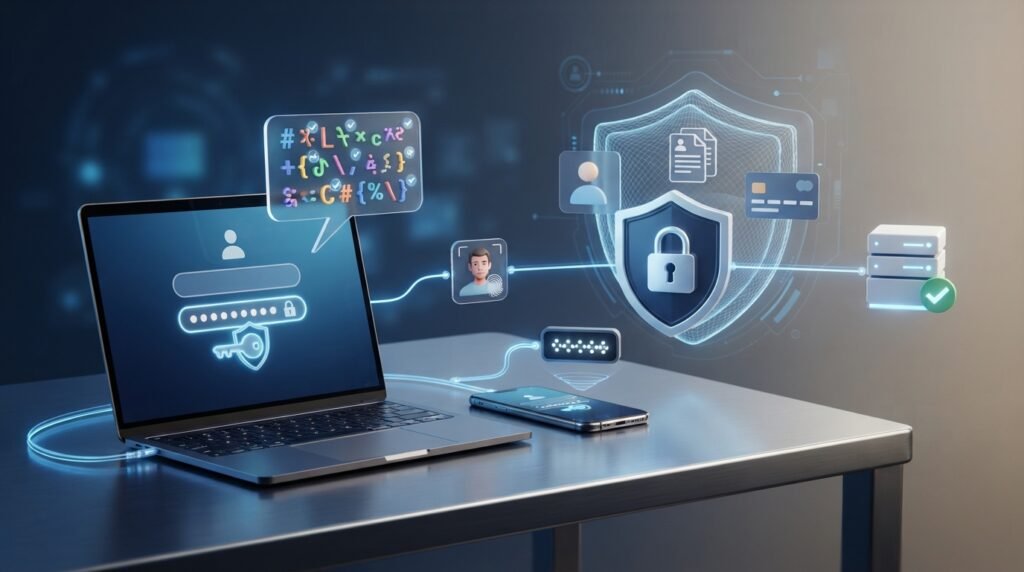
Avoid using the same password for multiple important accounts.
If one service experiences a data breach and your password is reused elsewhere, attackers may attempt to use the same credentials on other services.
A password manager can help generate and store unique passwords.
Enable Multi-Factor Authentication
Multi-Factor Authentication (MFA) requires more than one form of verification.
For example, after entering a password, you may also need to confirm your identity using an authenticator app, security key, or another supported method.
Even if a password is compromised, MFA can provide an additional layer of protection.
Be Careful With Unexpected Messages
Do not automatically trust a message simply because it appears to come from a familiar company.
Before clicking a link or providing information, consider:
- Was I expecting this message?
- Is the sender address legitimate?
- Does the request make sense?
- Is the message creating unnecessary urgency?
- Can I verify the request through an official channel?
When in doubt, access the service through its official website or application instead of using a suspicious link.
How to Secure Your Computer
Your computer should be protected at multiple levels.
Keep Software Updated
Software updates often include security fixes.
Enable automatic updates when practical, especially for your operating system, web browser, and commonly used applications.
Use Security Software
A reputable security solution can help detect certain types of malware and suspicious activity.
Keep the security software updated so it can recognize newer threats.
Download Software Carefully
Install applications from trustworthy sources whenever possible.
Avoid unknown downloads, suspicious email attachments, and software offered through questionable websites.
Lock Your Device
Use a password, PIN, fingerprint, or another supported authentication method to prevent unauthorized physical access to your computer.
How to Secure Your Smartphone
Smartphones contain a large amount of personal information, including photos, messages, contacts, accounts, and sometimes financial applications.
Useful security practices include:
- Keep the operating system updated.
- Use a strong screen lock.
- Install applications from trusted sources.
- Review app permissions.
- Enable device-finding features.
- Avoid connecting to unknown devices.
- Back up important information.
- Use MFA for important accounts.
Cybersecurity for Businesses
Businesses face security risks that can affect employees, customers, infrastructure, and business operations.
A basic business cybersecurity strategy can include:
- Employee security training
- Strong access controls
- Multi-factor authentication
- Regular backups
- Security monitoring
- Software patching
- Network protection
- Incident response planning
- Data protection
- Regular security assessments
Employee Awareness
Employees are an important part of an organization’s security.
Even sophisticated technical defenses can be undermined if someone accidentally gives an attacker access to an account or sensitive information.
Regular security awareness training can help employees recognize phishing, suspicious attachments, unusual requests, and other common threats.
Access Control
Users should generally receive only the access they need to perform their responsibilities.
This principle is often called least privilege.
Limiting unnecessary access can reduce the potential damage if an account is compromised.
Backups
Reliable backups are an important part of business resilience.
A backup strategy should consider:
- What data needs to be backed up
- How frequently backups should occur
- Where backups are stored
- How backups are protected
- How recovery will be tested
A backup that has never been tested may not work as expected during an emergency.
What Is Encryption?
Encryption is a process that transforms readable information into a protected form so that unauthorized people cannot easily understand it.
An authorized system or person can use the appropriate cryptographic mechanism to recover the original information.
Encryption is commonly used to protect:
- Online communications
- Stored files
- Financial transactions
- Password-related information
- Cloud data
- Mobile devices
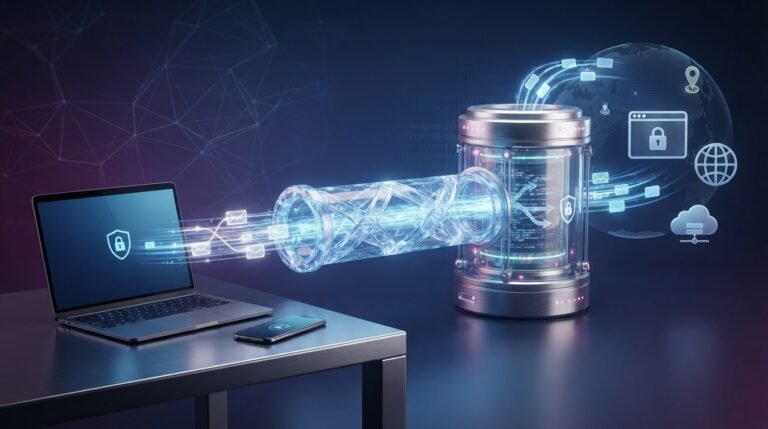
For example, encrypted communication can help protect information while it travels between your device and an online service.
What Is a Security Update?
A security update is a software update designed, at least in part, to address security weaknesses or vulnerabilities.
Developers may discover vulnerabilities after software has already been released. Security updates can fix these issues and reduce the opportunity for attackers to exploit them.
This is why delaying important updates for long periods can increase security risk.
Cybersecurity Best Practices
You do not need to be a cybersecurity expert to improve your digital security.
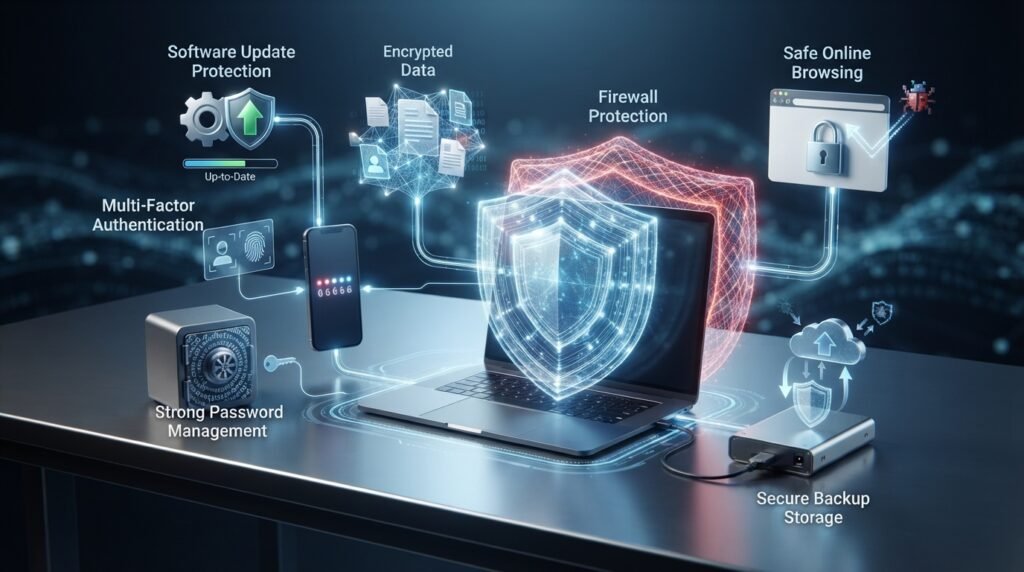
Start with these practical habits:
- Use unique passwords for important accounts.
- Use a password manager.
- Enable multi-factor authentication.
- Keep devices and applications updated.
- Be cautious with unexpected links and attachments.
- Download software from trustworthy sources.
- Keep regular backups of important files.
- Review account activity when available.
- Avoid sharing sensitive information unnecessarily.
- Lock your devices when they are not in use.
- Learn how common scams work.
These simple practices can reduce many common security risks.
What Should You Do If an Account Is Hacked?
If you believe an online account has been compromised, act quickly.
Step 1: Change the Password
Change the affected password immediately if you still have access to the account.
If you reused that password elsewhere, change those passwords too.
Step 2: Enable MFA
Turn on multi-factor authentication if the service supports it.
Step 3: Check Account Activity
Look for unfamiliar logins, devices, messages, transactions, or other activity.
Step 4: Remove Unknown Access
Sign out of unfamiliar sessions and remove unknown connected applications or devices when the service provides those options.
Step 5: Contact the Service Provider
If you cannot regain control of the account, use the provider’s official account-recovery process.
For financial accounts, contact the financial institution through an official channel as soon as possible.
The Future of Cybersecurity
Cybersecurity will continue to evolve as technology changes.
Cloud computing, Artificial Intelligence, connected devices, remote work, mobile applications, and other technologies create new opportunities as well as new security challenges.
Security professionals will need to adapt to changing attack methods while organizations will need to improve identity protection, monitoring, software security, data protection, and incident response.
For everyday users, the fundamentals will remain important: strong authentication, careful online behavior, updated software, secure backups, and awareness of common scams.
Frequently Asked Questions (FAQs)
What is cybersecurity in simple words?
Cybersecurity is the practice of protecting computers, devices, networks, applications, and digital information from unauthorized access, attacks, damage, and disruption.
Why is cybersecurity important?
Cybersecurity helps protect personal information, online accounts, business systems, financial data, and other digital resources from security threats.
What are the most common cyber threats?
Common threats include phishing, malware, ransomware, password attacks, social engineering, denial-of-service attacks, and data breaches.
How can I protect my online accounts?
Use unique strong passwords, enable multi-factor authentication, avoid suspicious links, keep your recovery information updated, and monitor account activity.
Is antivirus software enough to protect a computer?
No. Security software can provide an important layer of protection, but good cybersecurity also involves software updates, strong authentication, safe browsing habits, backups, and other security measures.
What is phishing?
Phishing is a type of social engineering in which an attacker tries to trick someone into revealing information or performing an unsafe action, often through a deceptive message or website.
What is MFA?
Multi-Factor Authentication adds an additional verification step to the login process. It can make an account harder to access even if the password is compromised.
What is a data breach?
A data breach occurs when protected or sensitive information is accessed, disclosed, or obtained without authorization.
Can individuals be targeted by cyberattacks?
Yes. Cybercriminals can target individuals through phishing, malware, stolen credentials, scams, account takeovers, and other techniques.
What is the best way to learn cybersecurity?
Start with basic concepts such as passwords, phishing, malware, authentication, encryption, software updates, backups, and network security. Then gradually explore more advanced areas.
Conclusion
Cybersecurity is an essential part of modern digital life. It involves protecting devices, accounts, networks, applications, and information from unauthorized access and other security threats.
Cyberattacks can use technical vulnerabilities, stolen credentials, malicious software, or human manipulation. As a result, effective security requires multiple layers of protection rather than relying on one tool.
For most people, some of the most useful steps are simple: use unique passwords, enable multi-factor authentication, keep software updated, be careful with unexpected messages, maintain backups, and learn to recognize common scams.
Cybersecurity is an ongoing process, not a one-time task. As technology and threats continue to change, developing good security habits can help individuals and organizations protect their digital lives more effectively.