What Is a VPN and How Does It Work? A Complete Beginner’s Guide
When you connect your phone or computer to the internet, your device communicates with websites, applications, and online services. Depending on the connection and service you use, information about your connection and activity may be visible to different parties.
A VPN, or Virtual Private Network, is a technology designed to create a protected connection between your device and a VPN server. It can help protect network traffic from certain forms of interception and can change the public IP address that websites see.
VPNs are commonly used for privacy, security, remote work, and accessing private organizational networks.
But a VPN is not a magic privacy tool, and it does not make someone completely anonymous online.
In this guide, we will explain what a VPN is, how it works, what happens to your internet traffic when you use one, its benefits and limitations, and what to consider when choosing a VPN service.
What Is a VPN?
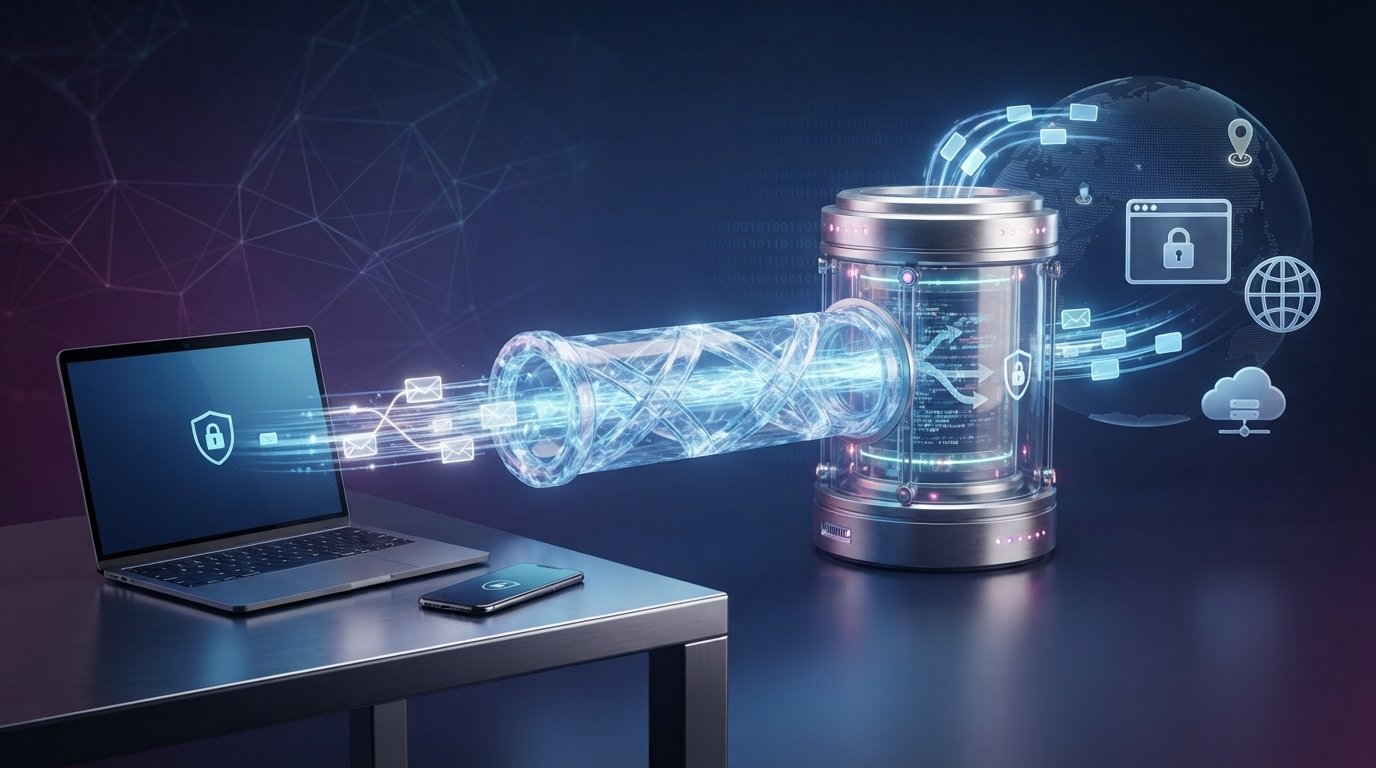
A Virtual Private Network (VPN) creates an encrypted connection between your device and a VPN server.
Instead of your device connecting directly to a website or online service, traffic can be routed through the VPN server.
A simplified connection looks like this:
Without VPN:
Your Device → Internet Service Provider → Website
With VPN:
Your Device → Encrypted VPN Connection → VPN Server → Website
The VPN server acts as an intermediary between your device and the destination service.
Websites will generally see the VPN server’s public IP address rather than the public IP address assigned to your device’s internet connection.
How Does a VPN Work?
A VPN uses several technologies to establish and protect a connection.
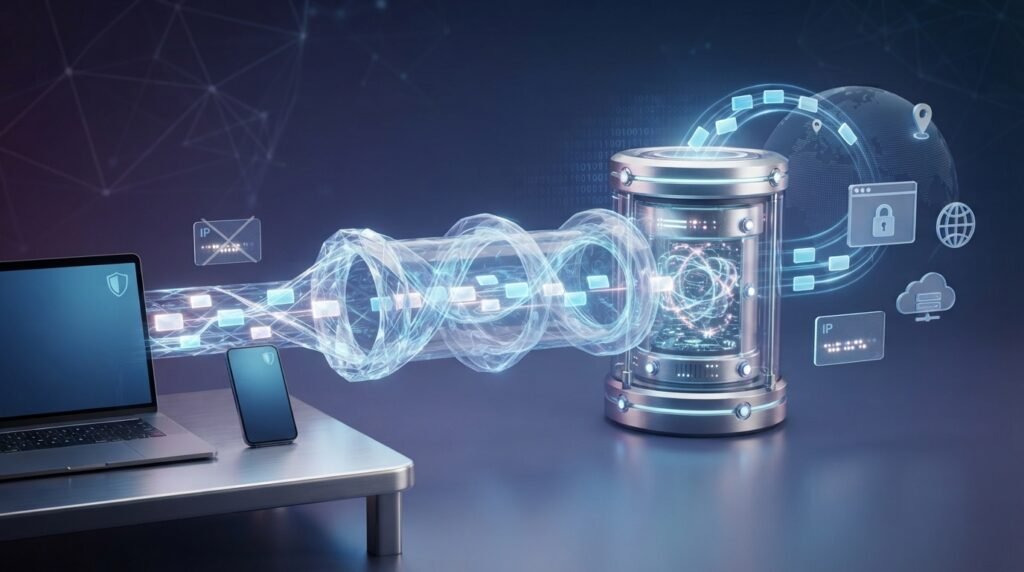
The exact implementation depends on the VPN service and protocol, but the general process works like this:
- You launch the VPN application.
- Your device connects to a VPN server.
- The VPN establishes an encrypted connection.
- Your network traffic is sent through that connection.
- The VPN server forwards traffic to its destination.
- Responses return through the VPN connection to your device.
Encryption
One of the important features of a VPN is encryption.
Encryption transforms readable data into a protected form so that someone who intercepts the traffic cannot easily understand it.
This can be particularly useful when using networks that you do not fully control.
However, encryption does not mean every part of your online activity is automatically private. The VPN provider itself may still have visibility into certain information depending on how its service operates.
VPN Servers
A VPN service typically operates or provides access to servers in different locations.
When you connect to a particular VPN server, your internet traffic is routed through that server.
For example, if your VPN application offers servers in several countries, you may be able to choose which available server location to use.
The actual availability of locations depends on the VPN provider.
IP Address
Your IP address is a network address associated with your internet connection.
When you use a VPN, websites you visit will generally see the public IP address of the VPN server rather than your original public IP address.
This can make your apparent online location different from your physical location.
It is important to understand that an IP address is only one piece of information used to identify or approximate a user’s location.
What Does a VPN Do?
A VPN can provide several useful functions.
| VPN Function | What It Can Do |
| Encrypt Network Traffic | Protects traffic between your device and the VPN server |
| Hide Your Public IP | Websites generally see the VPN server’s IP |
| Change Apparent Location | Can make your connection appear to come from the VPN server’s location |
| Secure Remote Connections | Can provide protected access to private networks |
| Reduce Certain Network Risks | Can help protect traffic on some untrusted networks |
The exact protection depends on the VPN technology, provider, configuration, and device you are using.
Benefits of Using a VPN
VPNs can be useful in several situations.
Protecting Traffic on Untrusted Networks
Public Wi-Fi networks can be risky when their security and configuration are unknown.
A VPN can encrypt traffic between your device and the VPN server, providing an additional layer of protection while using such networks.
You should still use HTTPS websites, keep your device updated, and avoid entering sensitive information into suspicious websites.
Hiding Your Public IP Address
A VPN can hide your original public IP address from websites you access through the VPN connection.
The destination website will generally see the VPN server’s IP instead.
This can reduce the amount of information directly associated with your normal internet connection.
Remote Work
Businesses often use VPN technology to allow employees to securely connect to internal systems from outside the organization’s network.
For example, an employee working from home may use a company VPN to access internal applications that are not publicly available.
Accessing Private Networks
VPNs can connect authorized users to private networks.
This is common in business and organizational environments where internal systems need to be accessible to approved users from different locations.
Changing Your Apparent Network Location
Connecting to a VPN server in another region can make websites and online services see the VPN server’s location rather than your normal network location.
This can be useful for legitimate privacy or testing purposes.
However, changing your IP address does not guarantee that every service will treat you as being physically located in the VPN server’s region.
What a VPN Does Not Do
There are many misconceptions about VPNs.
A VPN does not automatically provide complete anonymity or protection from every online threat.
A VPN Does Not Make You Completely Anonymous
Even when your IP address is hidden, websites and online services can use other information to recognize or track users.
This may include:
- Account information
- Cookies
- Browser characteristics
- Device information
- Login activity
- Tracking technologies
If you log into a website with your personal account, the service already knows which account is being used.
A VPN Does Not Stop All Malware
A VPN is not a replacement for antivirus or endpoint security software.
If you download a malicious application or open a harmful file, a VPN cannot automatically make that file safe.
Safe browsing, software updates, security tools, and careful downloading are still important.
A VPN Does Not Make Phishing Safe
A VPN cannot determine whether an email or website is legitimate.
If you enter your password into a fake login page, using a VPN does not prevent the attacker from receiving the information you submit.
A VPN Does Not Guarantee Faster Internet
A VPN can sometimes reduce connection speed because traffic travels through an additional server and encryption requires processing.
Performance depends on factors such as:
- VPN server location
- Server load
- Your internet connection
- VPN protocol
- Distance between you and the server
- Provider infrastructure
A good VPN may have relatively small performance effects, but there is no universal guarantee.
VPN Protocols
VPN applications use protocols to establish and manage protected connections.
Different protocols are designed with different technical characteristics.
| Protocol | General Characteristics |
| WireGuard | Modern, lightweight, and designed for strong performance |
| OpenVPN | Mature, widely supported, and highly configurable |
| IKEv2/IPsec | Often useful for mobile connections and network switching |
| Other Protocols | Availability and characteristics vary by provider |
The best choice can depend on the device, VPN provider, network environment, and required features.
Most users do not need to manually configure advanced protocol settings because many VPN applications select an appropriate option automatically.
VPN Encryption
Encryption is a core part of many VPN implementations.
When your device establishes a protected VPN connection, traffic sent through the tunnel is encrypted between your device and the VPN server.
This helps prevent someone on the local network from simply reading the protected traffic.
However, encryption has boundaries.
Once your traffic leaves the VPN server and reaches its destination, the protection provided by the VPN tunnel does not necessarily continue all the way to the destination.
This is one reason HTTPS remains important.
VPN vs HTTPS
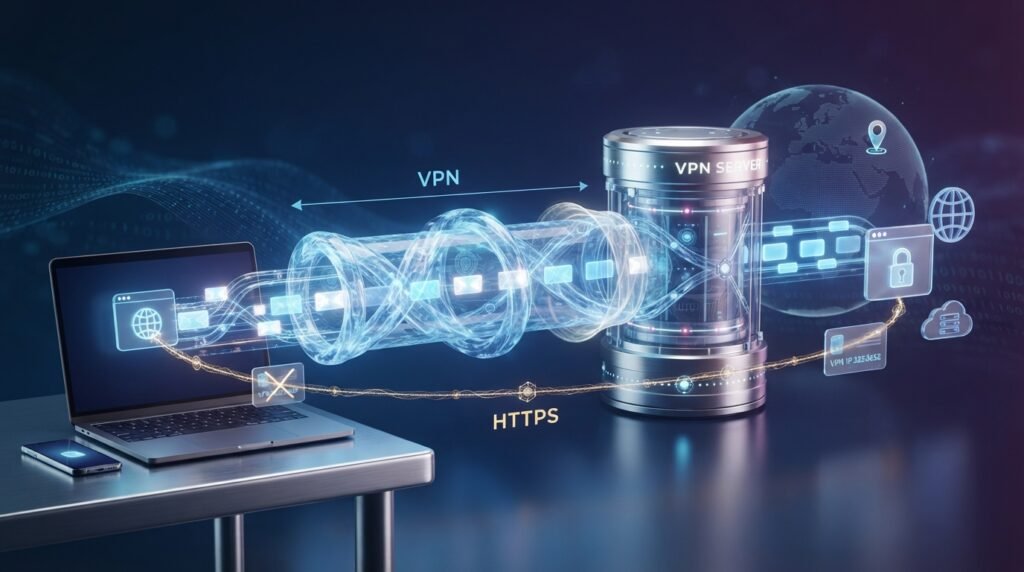
VPNs and HTTPS protect different parts of an internet connection.
| VPN | HTTPS |
| Protects traffic between your device and VPN server | Protects communication between your browser/app and the website or service |
| Can hide your public IP from websites | Does not normally hide your IP address |
| Works across many applications depending on configuration | Usually protects individual web connections |
| Requires a VPN service or VPN server | Built into modern secure websites and services |
They can be used together.
For example, when you visit an HTTPS website while connected to a VPN, your traffic can benefit from both the VPN tunnel and HTTPS encryption.
Free VPN vs Paid VPN
Many VPN services offer free plans, while others charge a subscription.
The important difference is not simply price. You should understand how the provider makes money and what information it collects.
| Free VPN | Paid VPN |
| May have limited servers or features | Often provides more features |
| May impose bandwidth or speed limits | Usually designed for higher usage |
| Business model varies by provider | Usually funded through subscriptions |
| Privacy policies can vary significantly | Still requires careful review of privacy practices |
A free VPN is not automatically unsafe, and a paid VPN is not automatically trustworthy.
Before choosing a provider, review its privacy policy, security practices, reputation, and business model.
How to Choose a VPN
If you decide to use a VPN, compare providers carefully.
Check the Privacy Policy
Look for clear information about:
- What information is collected
- How connection data is handled
- Whether activity logs are retained
- How account information is stored
- Whether information is shared with third parties
Do not assume that a service is private simply because its website uses the word “privacy.”
Look at Security Features
Consider whether the service supports modern security protocols and provides features such as a kill switch, secure DNS handling, and strong account protection.
The available features vary between providers.
Check Server Locations
If you need connections from specific regions, verify that the provider actually offers suitable servers there.
A larger server list does not automatically mean better service.
Consider Performance
VPN performance can vary depending on location, network conditions, and server capacity.
If speed is important, look for independent performance testing and consider whether the provider offers nearby servers.
Review Device Support
Make sure the VPN supports the devices you actually use.
Some services offer applications for:
- Windows
- macOS
- Android
- iOS
- Linux
- Routers
- Other platforms
Support and features can vary by platform.
VPN for Smartphones
A VPN can also be used on mobile devices.
When using a VPN on a smartphone, consider the following:
- Use a reputable VPN application.
- Download the app from an official app store or provider.
- Review the permissions requested by the application.
- Keep your phone’s operating system updated.
- Check whether the VPN automatically reconnects when the network changes.
- Be aware that VPN use can affect battery life and mobile data usage.
A VPN can be especially useful when connecting to networks outside your home or workplace.
VPN for Remote Work
Businesses often use VPNs as part of their remote-access infrastructure.
A company VPN may allow an authorized employee to connect to internal resources securely.
For example:
Employee Device → Company VPN → Internal Business Network
The VPN can help create a protected connection between the remote employee and the organization’s network.
Business VPNs are generally configured differently from consumer VPN services. They may integrate with corporate identity systems, access controls, monitoring, and security policies.
Are VPNs Legal?
The legality of VPN use depends on the country and how the technology is used.
VPN technology itself is legal in many countries and is widely used by individuals and organizations for legitimate purposes such as security and remote work.
However, laws and regulations can differ between jurisdictions.
Before using a VPN for a particular purpose, users should understand the laws and rules that apply where they live and to the service they are accessing.
Common VPN Mistakes to Avoid
Using a VPN does not automatically mean you are using it effectively.
Avoid these common mistakes:
- Choosing a VPN without reading its privacy policy
- Assuming a VPN provides complete anonymity
- Using suspicious free VPN applications
- Ignoring software updates
- Turning off security features unnecessarily
- Believing a VPN protects against every type of cyberattack
- Forgetting that websites can still identify logged-in accounts
- Assuming every VPN provider offers the same level of privacy
The quality and configuration of the VPN service matter.
When Should You Use a VPN?
A VPN can be useful when you want an additional layer of network privacy or need secure access to a private network.
Common situations include:
- Using public Wi-Fi
- Working remotely
- Connecting to a company network
- Protecting traffic on networks you do not control
- Hiding your public IP address from destination websites
- Testing services from different network locations
However, you should not treat a VPN as your only security measure.
Frequently Asked Questions (FAQs)
What is a VPN in simple words?
A VPN is a service or technology that creates an encrypted connection between your device and a VPN server, helping protect network traffic and hiding your normal public IP address from websites you access through the VPN.
Does a VPN hide my IP address?
Generally, yes. When traffic is routed through a VPN, websites normally see the public IP address of the VPN server instead of the public IP address of your usual internet connection.
Does a VPN make me completely anonymous?
No. A VPN can improve network privacy, but it does not make you completely anonymous. Websites can still use accounts, cookies, device information, and other tracking methods.
Can a VPN protect me from hackers?
A VPN can protect network traffic between your device and the VPN server, but it cannot protect against every type of attack. Strong passwords, MFA, updated software, secure browsing, and other security practices are still necessary.
Does a VPN slow down the internet?
It can. VPN encryption and routing through another server can add some overhead. The actual effect depends on the provider, server location, protocol, and your network connection.
Is a free VPN safe?
Not necessarily. Free VPN services vary significantly. Before using one, investigate its privacy policy, security practices, reputation, permissions, and business model.
Can I use a VPN on my phone?
Yes. Many VPN providers offer applications for Android and iOS devices.
Can a VPN stop viruses?
No. A VPN is not antivirus software. It primarily protects the network connection between your device and the VPN server.
Does a VPN protect me from phishing?
No. A VPN cannot determine whether a message or website is fraudulent. You still need to verify links, websites, and requests for sensitive information.
Should I use a VPN all the time?
There is no universal requirement to use a VPN continuously. Whether it is useful depends on your privacy needs, network environment, work requirements, and the trust you place in your VPN provider.
Conclusion
A Virtual Private Network (VPN) creates a protected connection between your device and a VPN server. It can encrypt traffic traveling through the VPN connection, hide your normal public IP address from destination websites, and provide secure access to private networks.
VPNs can be useful for public Wi-Fi, remote work, privacy-conscious browsing, and other legitimate purposes. However, they are not a complete cybersecurity solution.
A VPN does not automatically make you anonymous, stop malware, prevent phishing, or guarantee faster internet. Your choice of VPN provider also matters because the provider may handle certain information about your connection.
The best approach is to use a VPN as one layer of a broader security strategy, alongside strong passwords, multi-factor authentication, updated software, secure browsing habits, and careful handling of personal information.